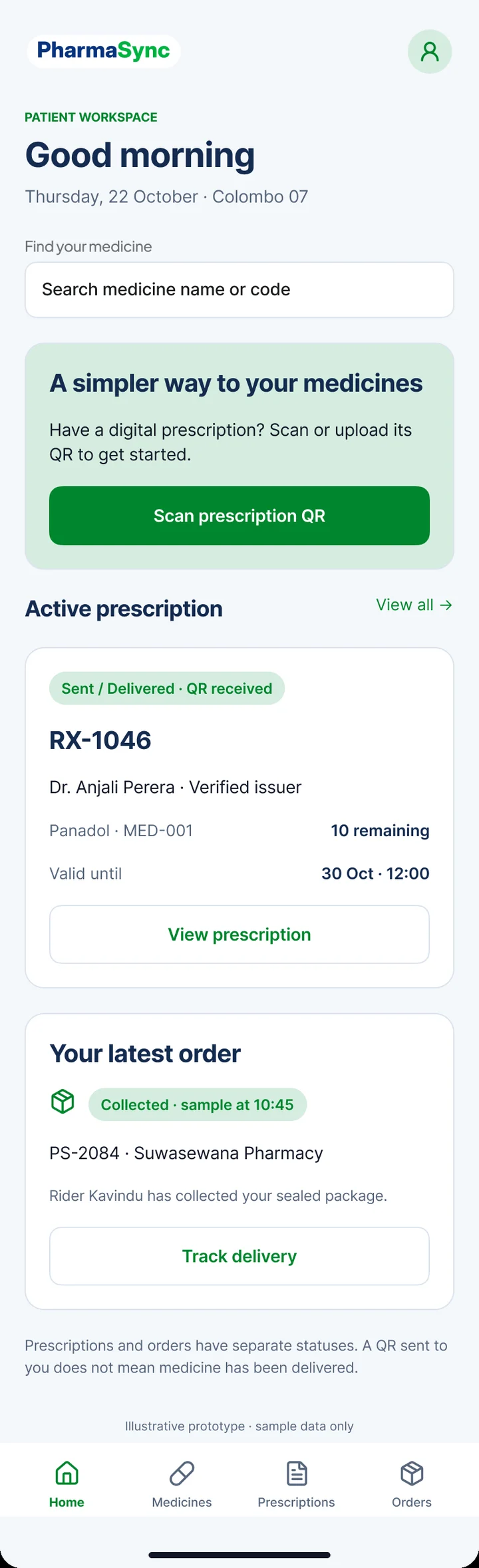
The central module that creates, stores and tracks all digital prescriptions. Each prescription moves through a defined lifecycle, and every change is recorded.
Expirable QR code
After creating a prescription, the doctor generates a unique QR code. The doctor determines the validity period; after expiration the QR code becomes invalid.
Minimal QR data
The QR code carries a unique prescription ID and a digitally signed token, not the medical details. Details are retrieved from the backend only after validation.
QR System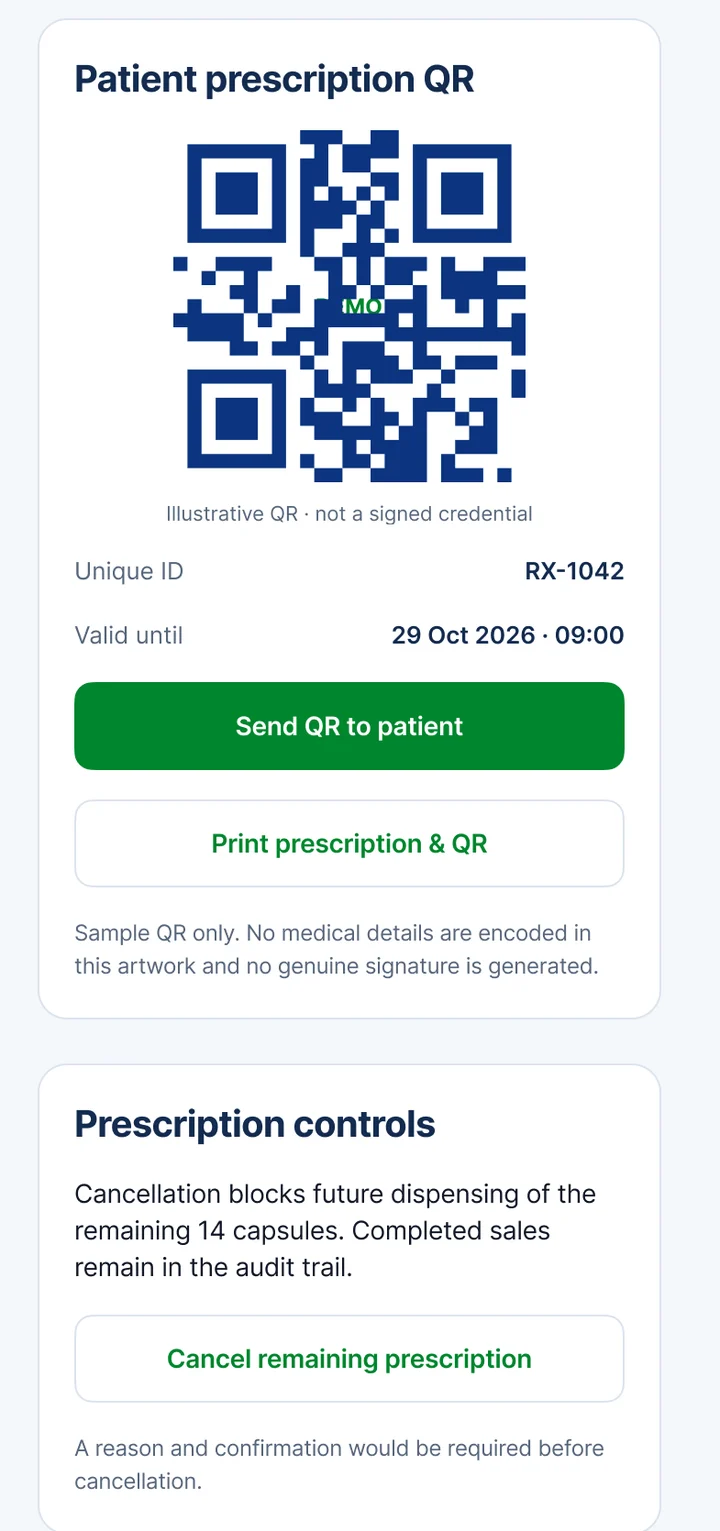
Validation rules
Not expired or cancelled; issuing doctor verified and active; not already fully dispensed; prescribed medicines and quantities match the items being sold.
Partial dispensing and audit
Where the doctor allows it, partial dispensing is recorded and the remainder stays available until expiry. Every scan and validation attempt is logged with time and location/pharmacy.
IssuedDoctor has created the prescription and generated the QR code.
Sent / DeliveredQR code has been sent to the patient’s application or printed.
ValidatedQR code has been scanned and passed all validation checks.
Partially DispensedSome of the prescribed quantity has been sold; the remainder is still valid.
Fully DispensedAll prescribed quantity has been sold; the QR code can no longer be used.
ExpiredValidity period ended before the prescription was fully used.
CancelledDoctor withdrew the prescription.